
10 Best AI Workflow Automation Tools for Small Business
Explore the top AI workflow automation tools that help small businesses save time, reduce errors, and enhance productivity.
 Enod BataaUpdated August 1, 2026
Looking to save time and boost efficiency in your small business? AI workflow automation tools can handle tedious tasks, reduce errors, and let you focus on growth. Here’s a quick rundown of the 10 best tools and what they offer:
- Mazaal AI: No-code platform with pre-built templates and integrations. Free to start with generous credits.
- Zapier: Connects 7,000+ apps to automate tasks. Free and paid plans available.
- Make (formerly Integromat): Visual workflow builder with 2,000+ integrations. Free tier available.
- Airtable: Combines spreadsheets and databases with automation features. Plans start at $0.
- Microsoft Power Automate: Part of the Microsoft suite, offering cloud and desktop workflows. Starts at $15/user.
- n8n: Open-source platform with free self-hosted or $20/month cloud options.
- Tray.io: Low-code builder with AI integration. Pricing depends on use.
- Workato: AI-powered no-code platform with 1,200+ integrations. Pricing varies.
- Automate.io (Now Part of Notion): Features merged into Notion's platform.
- HubSpot Operations Hub: Focuses on data integration and automation. Free and paid plans.
Quick Comparison
| Tool | Starting Price | Key Features | Integrations | Best For |
|---|---|---|---|---|
| Mazaal AI | Free/$19+ | AI agent based workflow automation | 240+ tools | Smarter workflows |
| Zapier | Free/$19.99+ | "Zaps" for app connections | 7,000+ apps | Broad app automation |
| Make | Free/$9+ | Visual workflow builder | 2,000+ tools | Complex workflows |
| Airtable | Free/$24+ | Database + spreadsheet automation | Multiple tools | Team collaboration |
| Microsoft Power Automate | $15/user | Cloud, desktop, and process flows | 1,000+ templates | Microsoft ecosystem users |
| n8n | Free/$20+ | Open-source, self-hosting option | 400+ apps | Developers, tech-savvy |
| Tray.io | Custom pricing | Low-code, AI-driven workflows | 100s of tools | Advanced automation |
| Workato | Custom pricing | No-code, enterprise-grade features | 1,200+ tools | Scalable automation |
| Automate.io/Notion | Integrated | Merged into Notion | Notion ecosystem | Notion users |
| HubSpot Operations Hub | Free/$50+ | Data sync, lead management | 90+ apps | CRM and marketing teams |
These tools cater to various budgets and needs, from simple app connections to advanced AI-driven workflows. Start small, test features, and pick the one that aligns with your business goals.
1. Mazaal AI
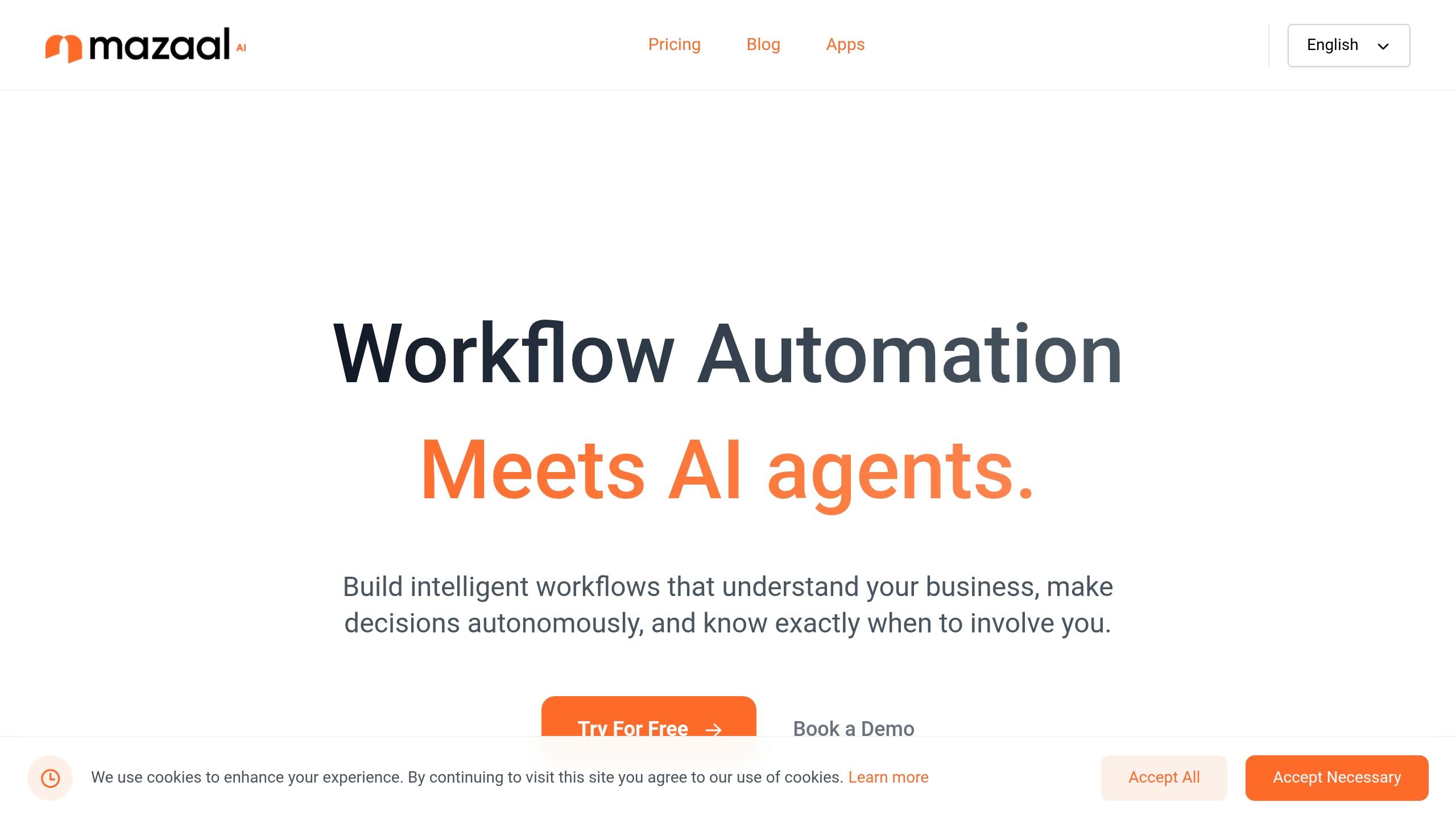
Mazaal AI stands at the intersection of AI agents and workflow automation, offering a revolutionary approach for small businesses. Unlike traditional automation tools that simply connect apps, Mazaal AI creates intelligent virtual team members that understand your business processes and can work just like you would.
Intelligent AI Agents
What sets Mazaal AI apart is its ability to deploy AI agents that don't just follow rigid rules but actually learn and adapt to your specific business context. These agents can:
- Access and understand your company documents and knowledge bases
- Make intelligent decisions based on your business rules
- Handle complex scenarios with human-like reasoning
- Know when to process tasks automatically and when to involve human team members
This human-in-the-loop approach ensures you maintain control over critical decisions while automating routine work, creating a perfect balance between efficiency and oversight.
Mazaal AI Copilot: From Idea to Workflow in Seconds
The platform's groundbreaking Copilot feature eliminates the need to build workflows from scratch. Simply describe what you want to accomplish in plain English, and the AI will:
- Automatically generate complete workflow designs
- Suggest appropriate connections between your apps
- Recommend decision points and conditional logic
- Create a ready-to-use automation in minutes instead of hours
This natural language workflow generation saves enormous amounts of time during setup and implementation, making advanced automation accessible to non-technical users.
Practical Implementation
Mazaal AI integrates with over 240+ business tools, from Airtable and Amazon S3 to Asana and beyond. Its no-code platform includes:
| Feature | Benefit |
|---|---|
| Pre-built templates | Quickly deploy common workflows |
| Custom AI training | Train agents on your specific business documents |
| Real-time monitoring | Track performance and make adjustments as needed |
| CASA Tier 2 certification | Enterprise-grade security for sensitive data |
With pricing starting at $39 per month, Mazaal AI makes advanced AI automation accessible to small businesses across various industries—from marketing and sales to operations, finance, and HR.
By combining the reliability of structured workflow automation with the adaptability of artificial intelligence, Mazaal AI doesn't just automate tasks—it creates intelligent digital teammates that understand context, learn from experience, and work alongside your human team to drive business growth.
2. Zapier
Zapier simplifies workflow automation by connecting over 7,000 apps, making it a go-to tool for small businesses looking to streamline operations. It's trusted by more than 2.2 million companies, including 99% of the firms on the Forbes Cloud 100 list [3][5][6].
At the heart of Zapier's platform are "Zaps" - automated workflows that handle repetitive tasks across various apps. For instance, when a new lead comes in, Zapier can automatically update your CRM, create a task, and alert your sales team on Slack.
Different teams can benefit from Zapier's automation tools in specific ways:
| Department | Automation Examples | Business Impact |
|---|---|---|
| Sales | Lead routing to CRM, automated follow-ups | Quicker response times |
| Marketing | Social media tracking, syncing email campaigns | Better engagement monitoring |
| Finance | Generating invoices, sending payment alerts | Less manual data entry |
| HR | Onboarding new hires, processing documents | Smoother hiring workflows |
These automations lead to real-world efficiency gains. Marcus Saito, Director of IT at Remote.com, shares:
💡 "Just last month, we had 1,100 help desk requests from our 1,700 employees. Normally, that many requests would overwhelm our team of three, but through our help desk workflows in Zapier, we resolved them easily. Our team of three is able to perform like a team of 10."
Automation also reduces errors - 34% of knowledge workers report fewer mistakes in data entry thanks to tools like Zapier [2]. With a 99.9% uptime guarantee, Zapier ensures reliability for important operations [4]. For businesses concerned about security, the platform is SOC 2 compliant and follows strict security protocols [4][5]. It offers both free and paid plans, making it a fit for companies of all sizes, with the flexibility to grow alongside your needs.
David Laderberg, Vice President at Smart Charge America, highlights its impact:
💡 "Without Zapier, we would have needed well over 100 employees today just to do what we're doing. We would have been out of business by now."
Zapier's recent AI-powered updates add features like multi-step Zaps, webhooks, and conditional logic, enabling even more advanced workflows.
3. Make (formerly Integromat)
Make is a no-code platform designed to simplify business workflows. Previously known as Integromat, it offers a visual drag-and-drop interface to connect various tools and automate tasks. With access to over 2,000 pre-built apps and a 4.7/5 rating on G2 [7][8], it enables businesses - even those without technical expertise - to create detailed workflows, known as "scenarios." It caters to industries like financial services, marketing, e-commerce, and professional services.
One notable success story is Fonds Finanz, which reported saving 10,000 hours by automating processes with Make [7]. Highlighting its ease of use, a Product Owner at Smaily shared:
💡 "The simplicity, flexibility and ability to build real complex automations without any knowledge of programming makes it the best thing since sliced bread."
The platform has seen a surge in AI app usage, which has quadrupled in the past year [7]. Make offers a free tier for up to 1,000 tasks per month [11], and its no-code HTTP app allows seamless API connections [7]. Features like real-time data synchronization, error handling, and advanced data mapping can save businesses an estimated 360 hours annually [12]. These tools make Make an attractive choice for small businesses looking to optimize their time and resources.
4. Airtable
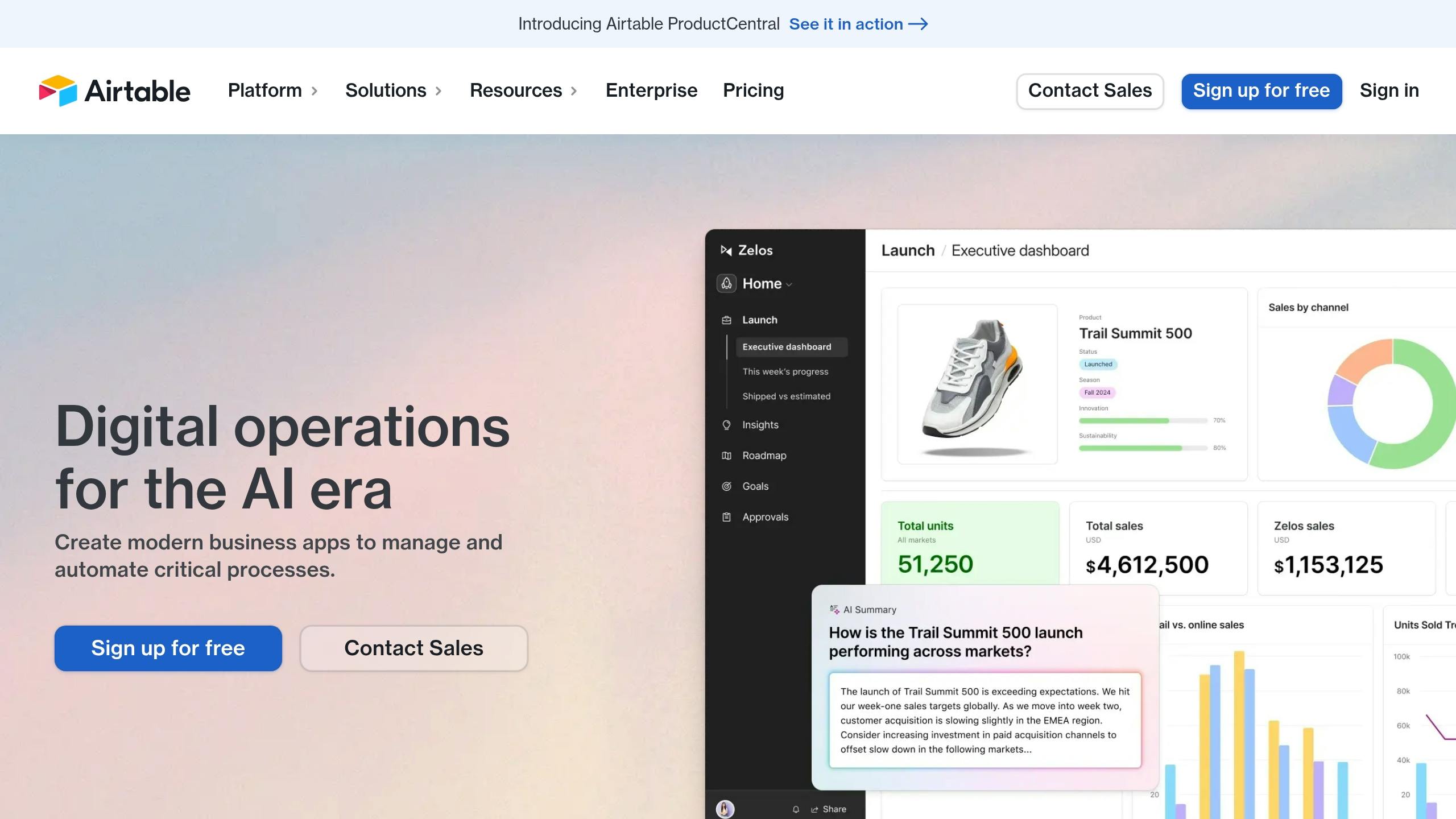
Airtable combines the ease of a spreadsheet with the capabilities of a database, making it a go-to tool for over 500,000 organizations every day [13][14]. It has reshaped workflows for small businesses by offering advanced automation features and seamless integrations.
The platform's AI-powered fields and integrations, used by 80% of its customers, simplify processes like feedback analysis, marketing brief creation, and job description generation [15]. This automation reduces manual tasks, allowing teams to focus on more strategic work.
| Plan | Price (per seat/month) | Best For |
|---|---|---|
| Free | $0 | Small projects and basic needs |
| Team | $24 | Growing businesses |
| Business | $54 | Advanced automation needs |
| Enterprise Scale | $70 or $21,000/year (team of 25) | Large-scale operations |
Airtable's pricing structure is designed to meet a variety of business needs, while its integrations make it even more powerful. For example, it works seamlessly with tools like Slack, one of its most popular integrations [16].
JetBlue is a great example of Airtable's impact. Tracy Bink, Director of IT Strategic Programs, shared:
💡 "Airtable enables us to roll up hundreds of IT initiatives into a single portfolio, aligned to strategic priorities and metrics. We can adapt with the click of a button. Airtable has allowed us to be ourselves." [13]
Some of Airtable's standout features include:
- Customizable views: Choose from grid, calendar, gallery, and Kanban formats.
- Real-time collaboration: Work with your team using granular permission controls.
- Integrations: Automate workflows with tools like Gmail and Slack.
- AI-powered Cobuilder: Build custom applications without needing to code.
Recent updates to its AI fields allow for more complex workflows by chaining operations together [15]. This ensures tasks are automated efficiently while maintaining data accuracy.
5. Microsoft Power Automate
Microsoft Power Automate is a workflow automation tool designed to simplify repetitive tasks for small businesses. As part of the Microsoft Power Platform suite, it integrates with over 1,000 pre-built templates and apps, making it a practical choice for businesses looking to save time and resources [18][19].
| Plan Type | Monthly Cost | Key Features |
|---|---|---|
| Premium | $15/user | Access to cloud flows and AI Builder |
| Process | $150/bot | Process flows for automation |
A Forrester study found that businesses using Power Automate saw a 248% return on investment (ROI) over three years. Employees saved an average of 200 hours annually, freeing up time for tasks that drive business growth [18].
Uber's use of Power Automate showcases its capabilities. Chad Aronson, Global Head of Intelligent Automation at Uber, shared:
💡 "With Power Automate, we get the benefits of a Power Platform ecosystem that aligns with our future plans, including what we see as leading generative AI and process mining capabilities." [18]
The tool also includes AI Builder, which helps automate manual tasks and improve efficiency [20]. For example, Komatsu Australia used Power Automate to streamline invoice processing, saving over 300 hours of manual data entry during its pilot phase [18].
Power Automate supports three types of workflows to fit various needs:
- Cloud flows: Automate tasks across cloud-based services.
- Desktop flows: Simplify repetitive tasks on desktop systems.
- Business process flows: Guide users through standardized workflows.
Its low-code setup is ideal for small businesses without dedicated IT teams. Users can start with ready-made templates and expand their automation efforts as their needs grow [17].
6. n8n
n8n is an open-source automation platform that simplifies connecting over 400 applications with minimal coding. Using a node-based editor, it enables users to design workflows easily. You can choose between a cloud plan starting at $20/month or a free self-hosted option, capable of handling up to 220 executions per second [22].
Key Features
- Hosting Options: Opt for a $20/month cloud plan or the free self-hosted version.
- Integrations: Includes 400+ pre-built integrations for seamless connectivity.
- Performance: Supports up to 220 workflow executions per second.
- Customization: Fine-tune workflows with JavaScript or Python.
n8n also integrates AI models like GPT-4, adding advanced automation capabilities.
💡 "We have seen drastic efficiency improvements since we started using n8n. It's incredibly powerful, but also simple to use." - Dennis Zahrt, Director of Global IT Service Delivery at Delivery Hero [21]
Use Cases
n8n is versatile and can be applied across various domains:
- Social Media: Track mentions, analyze sentiment, and generate alerts automatically.
- Customer Support: Automatically categorize emails based on urgency for faster responses.
- Marketing: Simplify customer segmentation and manage email campaigns efficiently.
💡 "It's such a swiss army knife of a tool that I'm always open to new use cases. When I think of different services and integrations, I always have n8n in the back of my mind." - Pier-André Maynard, IT Services Professional at Autodesk
Security and Performance
n8n prioritizes data security by storing information on EU-based servers (Frankfurt) with encryption. It also supports SSO through SAML/LDAP with providers like Google and Okta. With its streamlined processes, n8n can speed up automation by up to 10× compared to traditional coding methods [22].
7. Tray.io
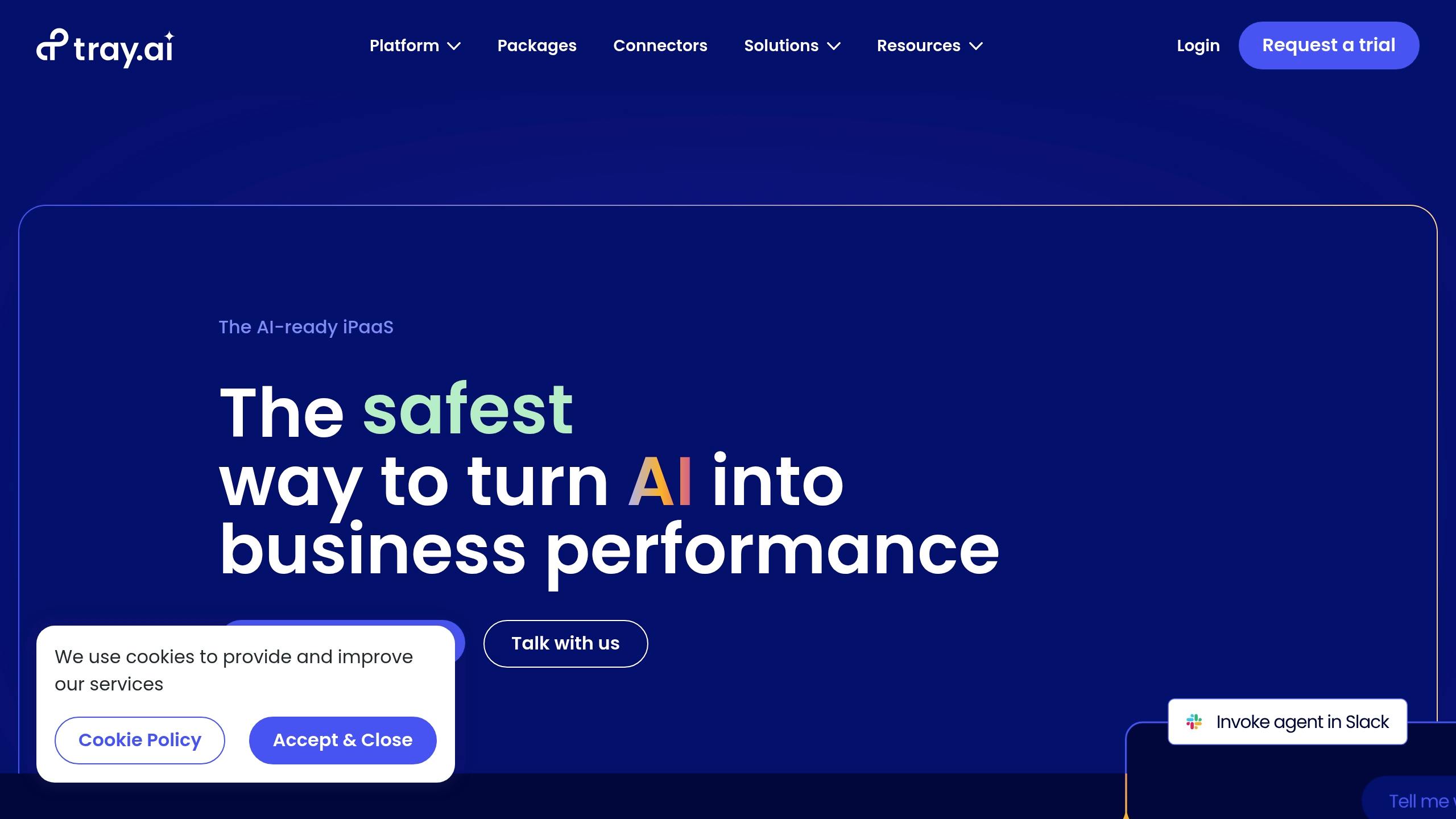
Tray.io is an integration platform as a service (iPaaS) designed to help small businesses automate workflows with minimal coding. Its low-code builder, enhanced with AI features, allows users to set up complex automations in just minutes.
Key Features
- AI Integration: Built-in support for AI models, complete with governance and data protection via Merlin Guardian.
- Pre-built AI Templates: Ready-to-use templates for deploying AI across various business tasks.
- Low-code Builder: A visual interface that simplifies the creation of advanced automations, even for non-technical users.
- Data Protection: Robust security measures to safeguard sensitive information during AI operations.
These tools have helped businesses achieve measurable results. For instance, AVID reported a 194% ROI after using Tray.io to overhaul its IT infrastructure [23].
Practical Applications
Tray.io can be applied across different business areas, such as:
- IT Service Management: Automates ticket resolution, cutting down on manual tasks.
- Customer Support: Speeds up response times with AI-powered workflows.
- Document Processing: Transforms internal documents into actionable insights using AI.
- Process Integration: Connects multiple business applications seamlessly.
"The safest way to turn AI into business performance" - Tray.io [23]
Why It Stands Out
Unlike many traditional iPaaS platforms that require months to implement, Tray.io offers:
- The ability to prototype automations in minutes.
- Quick adaptation to new AI advancements.
- Scalability without heavy technical resources.
- Compliance with governance and security standards.
Tray.io is a practical solution for small businesses looking to streamline workflows and scale their operations efficiently.
8. Workato
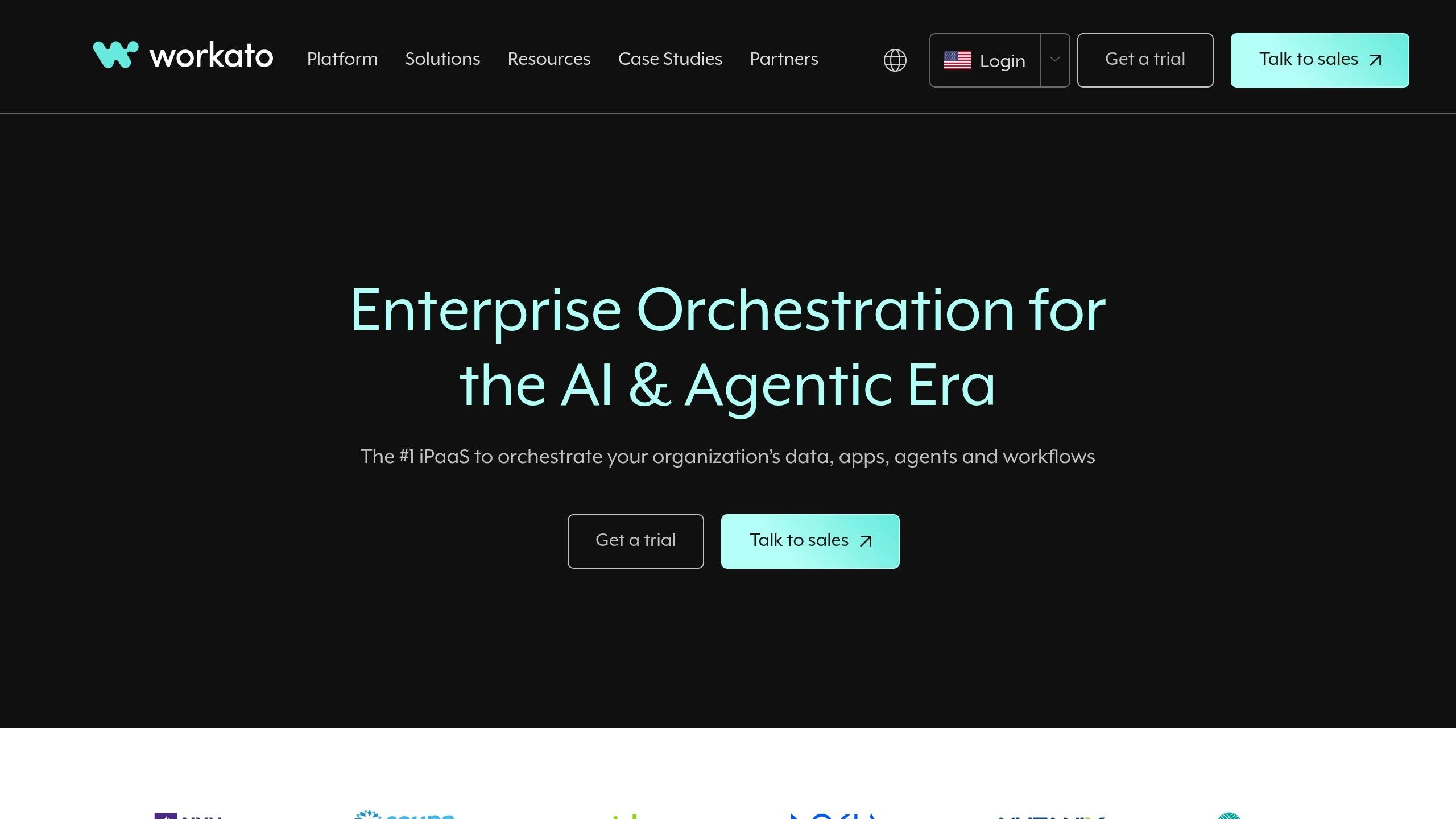
Workato offers a no-code platform powered by AI, designed to simplify workflow automation for small businesses. Its iPaaS solution combines advanced AI tools with a wide range of integrations.
Key Features
- AI-Driven No-Code Interface: Users can build complex workflows without needing deep coding expertise.
- Wide Integration Network: Includes over 1,200 pre-built connectors and accelerators for smooth app integration.
- Top-Tier Security: Features like end-to-end encryption, key rotation, and container isolation help safeguard data.
- High Reliability: Offers 99.9% uptime with fault-tolerant systems and zero-downtime updates.
Business Benefits
Workato delivers measurable results for businesses. On average, customers report a 283% return on investment within the first six months [24]. This success is due to the platform's ability to optimize workflows across departments such as IT, marketing, HR, finance, and sales.
Technical Highlights
Workato's Common Workato Runtime (CWR) offers several practical advantages:
| Feature | Benefit |
|---|---|
| Instant Scaling | Container-based design ensures scaling without delays |
| Multi-Use Platform | Supports data pipelines, APIs, AI workflows, custom apps, and chatbots |
| Data Format Support | Works with CSV, JSON, XML, and more |
| Integration Options | Includes over 1,500 connectors and community-created recipes |
Practical Use
These technical features lead to real-world success. Mohit Rao, Head of Intelligent Automation, shares:
"Business users have organically started using Workato. Once we identify those business users, we elevate them to be champions to empower other teams or other people, and use them to get the next wave of scale." [24]
Why Workato Stands Out
Workato combines enterprise-grade capabilities with user-friendly design, making it accessible for small businesses. Its mix of scalability, security, broad integrations, and AI-driven features makes it a strong choice for modernizing workflows efficiently.
9. Automate.io
Automate.io has officially merged with Notion, ending its role as an independent service. This shift highlights a growing trend in the automation industry, where niche tools are being absorbed into larger productivity platforms.
What This Means for Businesses
With Automate.io's features now integrated into Notion, businesses relying on it as a standalone tool will need to adapt. This change may require companies to reassess their automation processes and explore whether Notion's capabilities align with their specific needs.
Reassessing Automation Strategies
If Notion's integrated tools don't meet all your requirements, it might be worth exploring other dedicated automation platforms. Take this opportunity to evaluate your workflows and ensure your tools are still the best fit for your goals.
Industry Trends
The merger of Automate.io into Notion reflects a broader industry movement toward consolidating specialized tools into all-in-one platforms. Keeping up with these shifts is essential to making informed decisions about the tools your business depends on.
10. HubSpot Operations Hub
HubSpot Operations Hub helps small businesses simplify their operations by breaking down data silos and enabling real-time, data-driven decisions. It achieves this through seamless integrations and efficient data management tools.
Integration Capabilities
This platform supports two-way integrations with over 90 apps [25], making it a strong choice for businesses juggling multiple tools. Some key integrations include:
| Integration | Benefits |
|---|---|
| Shopify | Synchronizes customer and order data for more personalized marketing campaigns |
| Salesforce | Bridges sales and marketing by integrating CRM data |
| QuickBooks | Automates tasks like invoicing and financial reporting |
Automation Features
The Pro tier introduces programmable automation, allowing businesses to create custom workflows. Examples include cleaning up data, syncing contacts between HubSpot portals, formatting international phone numbers automatically, and managing lead rotation more efficiently.
Pricing Structure
HubSpot's tiered pricing model scales with your business as it grows:
| Tier | Features |
|---|---|
| Free | Basic app integration |
| Starter | Includes data mapping tools |
| Pro | Adds data quality and programmable automation features |
| Enterprise | Offers advanced datasets |
These options allow businesses to choose a plan that fits their current needs while leaving room for expansion.
"The Operations Hub provides the extra horsepower your system needs to improve productivity through automation, integrate with third-party applications, and manage the data requirements for improved reporting." - Inbound AV [25]
Practical Applications
HubSpot Operations Hub addresses common data management headaches for small businesses. For example, its two-way data synchronization ensures smooth information flow between systems, cutting down on manual data entry and reducing errors. While its native integrations cover many standard needs, businesses can use HubSpot's APIs to build custom integrations for unique requirements - though this might require technical expertise.
Limitations
- Native integrations are limited to standard functionality with minimal customization
- Custom integrations often require technical knowledge or developer support
- Advanced features are only available in higher-priced tiers
For small businesses looking to streamline workflows and connect their tools effectively, HubSpot Operations Hub offers a solid solution.
Conclusion
Drawing from our tool reviews, it's clear that AI workflow automation plays a key role in helping small businesses thrive in today's digital world. In fact, 40% of U.S. small businesses now use AI tools, up from 23% in 2023 [26].
Cost Savings and Return on Investment (ROI)
AI automation can lead to substantial cost savings across various industries. Here's a quick breakdown of potential savings:
| Business Type | Automation Focus | Annual Savings |
|---|---|---|
| Retail Store | Inventory management | $40,000 |
| E-commerce | Order processing | $15,000 |
| Accounting Firm | Invoice handling | $10,000 |
| Consulting Agency | Client follow-up processes | $12,000 |
Picking the Right Tool
Choosing the best AI workflow automation tool involves careful consideration of several factors:
- Budget Fit Entry-level tools range from $99 to $500 per month, while mid-range platforms cost $500 to $5,000 per month. Custom solutions require an initial investment of $10,000–$25,000, plus $3,000 or more monthly.
- Integration Make sure the tool works seamlessly with your existing software.
- Scalability Opt for tools like Mazaal AI, Zapier, or Workato that can grow alongside your business [1].
Best Practices for Implementation
Once you've chosen a tool, following best practices is key to achieving success. Start small by piloting one workflow, train your team thoroughly, monitor performance, and ensure data accuracy. Don't forget to prioritize security and compliance.
With the right approach, AI workflow automation can handle everything from customer service to inventory management and financial tasks. This not only streamlines operations but also sets your business up for long-term growth.
Keep reading
All articles →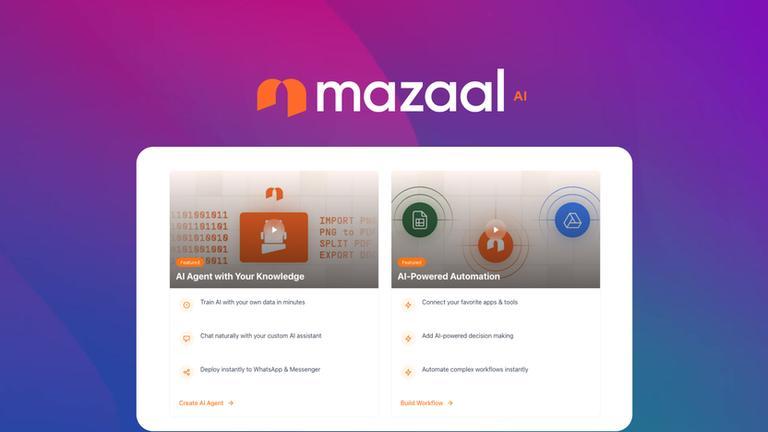
AI automation
AI Workflow Automation for Small Business: An Implementation Guide
A practical way for small businesses to choose, test, and operate an AI-assisted workflow without automating chaos or creating an unowned system.

AI
AI Agent Examples: How Businesses Leverage AI for Growth (2025)
AI agents are intelligent software programs capable of autonomously performing tasks, making decisions, and adapting to real-time data. Unlike traditional automation tools that operate on rigid rules, AI agents leverage machine learning and natural language processing to understand context and optimize outcomes.

AI agents
AI Agents: Your New Virtual Team Members for Smarter Business Automation
Imagine if you had a tireless assistant who could handle routine tasks, answer questions, and even make minor decisions for you—all without needing a coffee break. Sounds like science fiction, right? AI agents make this a reality. Read more on how AI agents are changing the world.